Registration.
- Launch Labz Studio App.
- Create an account on the platform.
- Fill out the KOL application form.
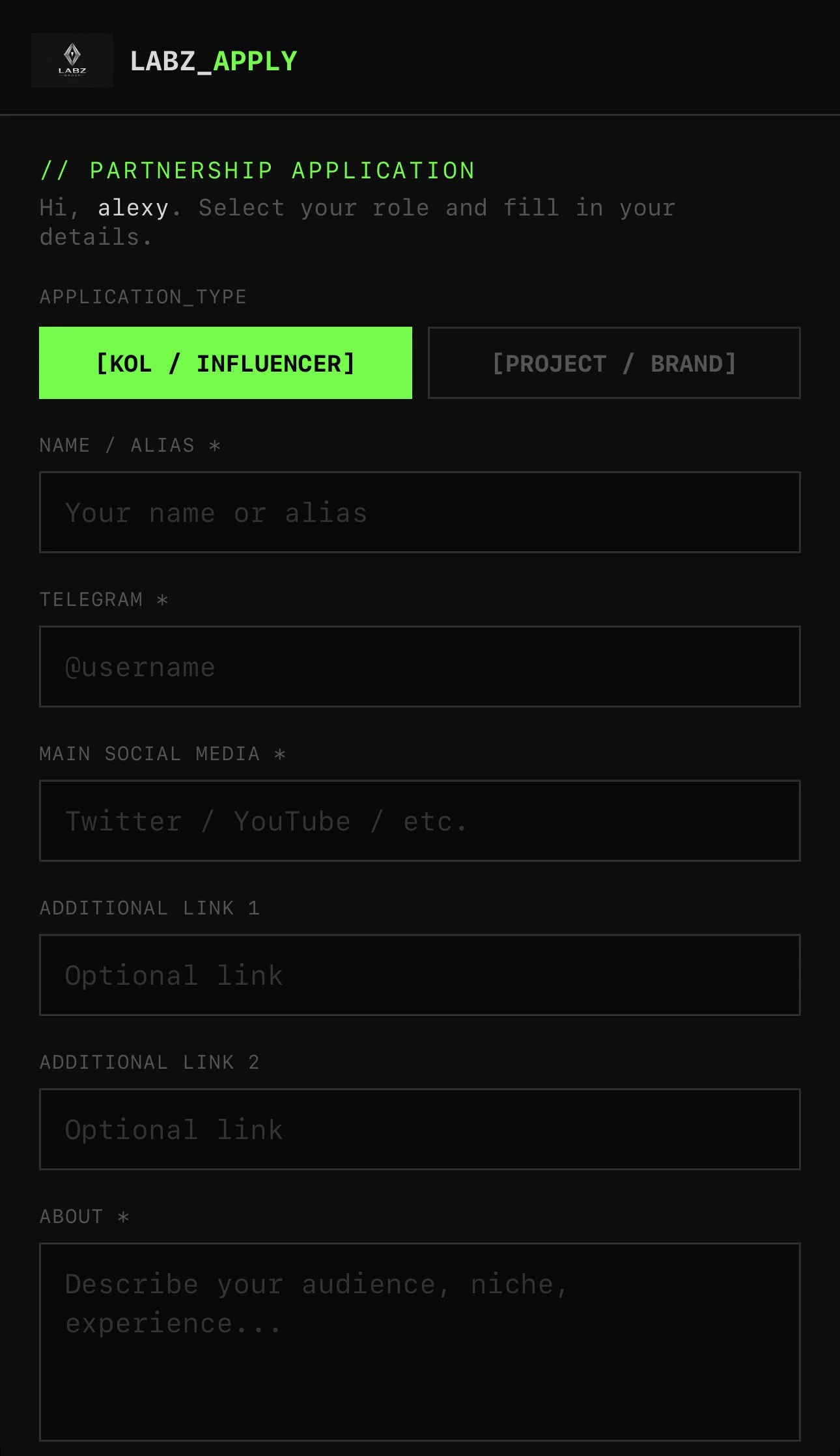
By completing this form, you confirm that you agree to sign an official contract with Labz Studio.
- Please wait for approval or rejection of your application.
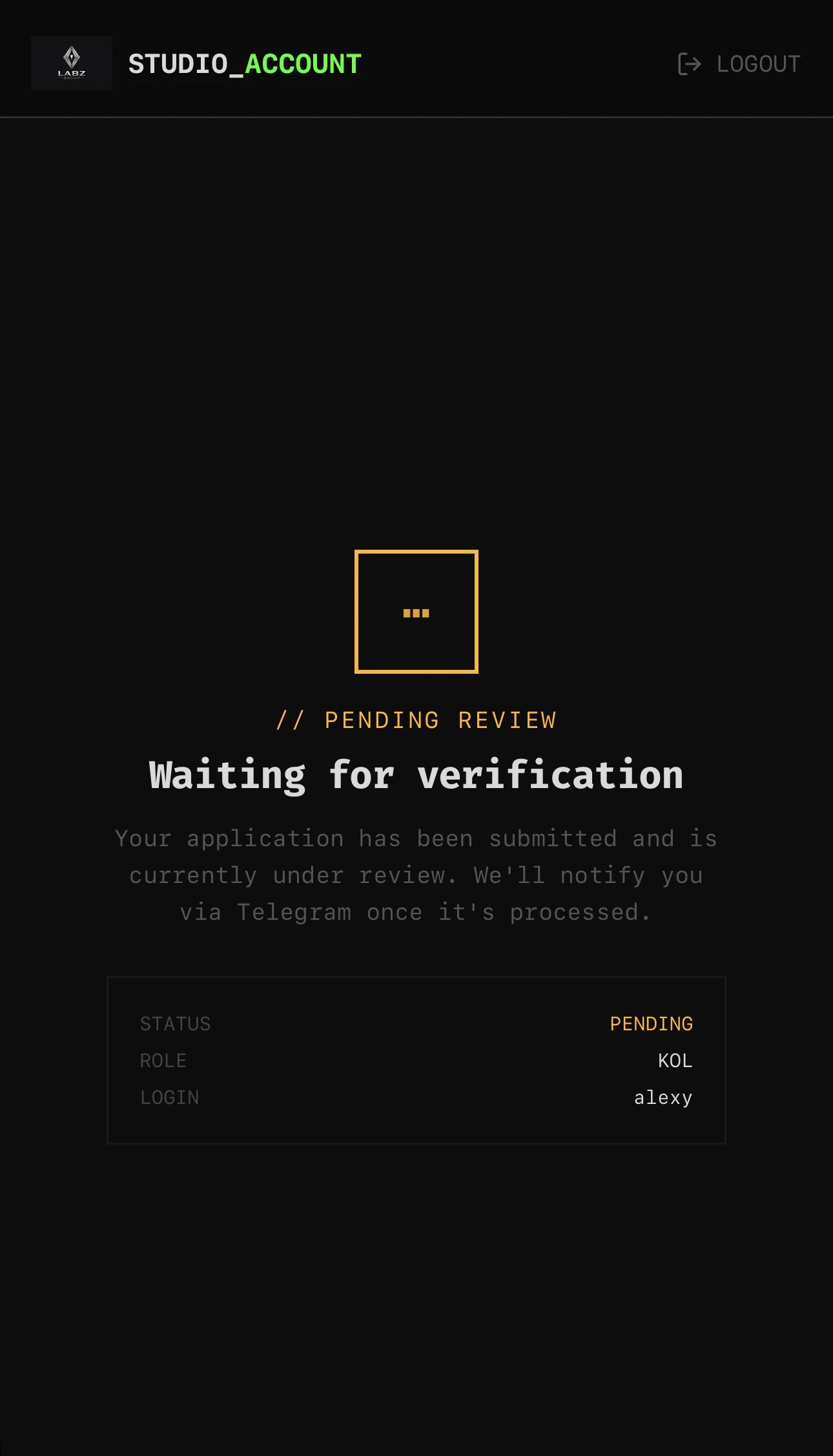
If your application is approved, a representative from our team will contact you to proceed with contract signing.
In-app
At the moment, the KOL section of the app consists of four main departments:- Profile.
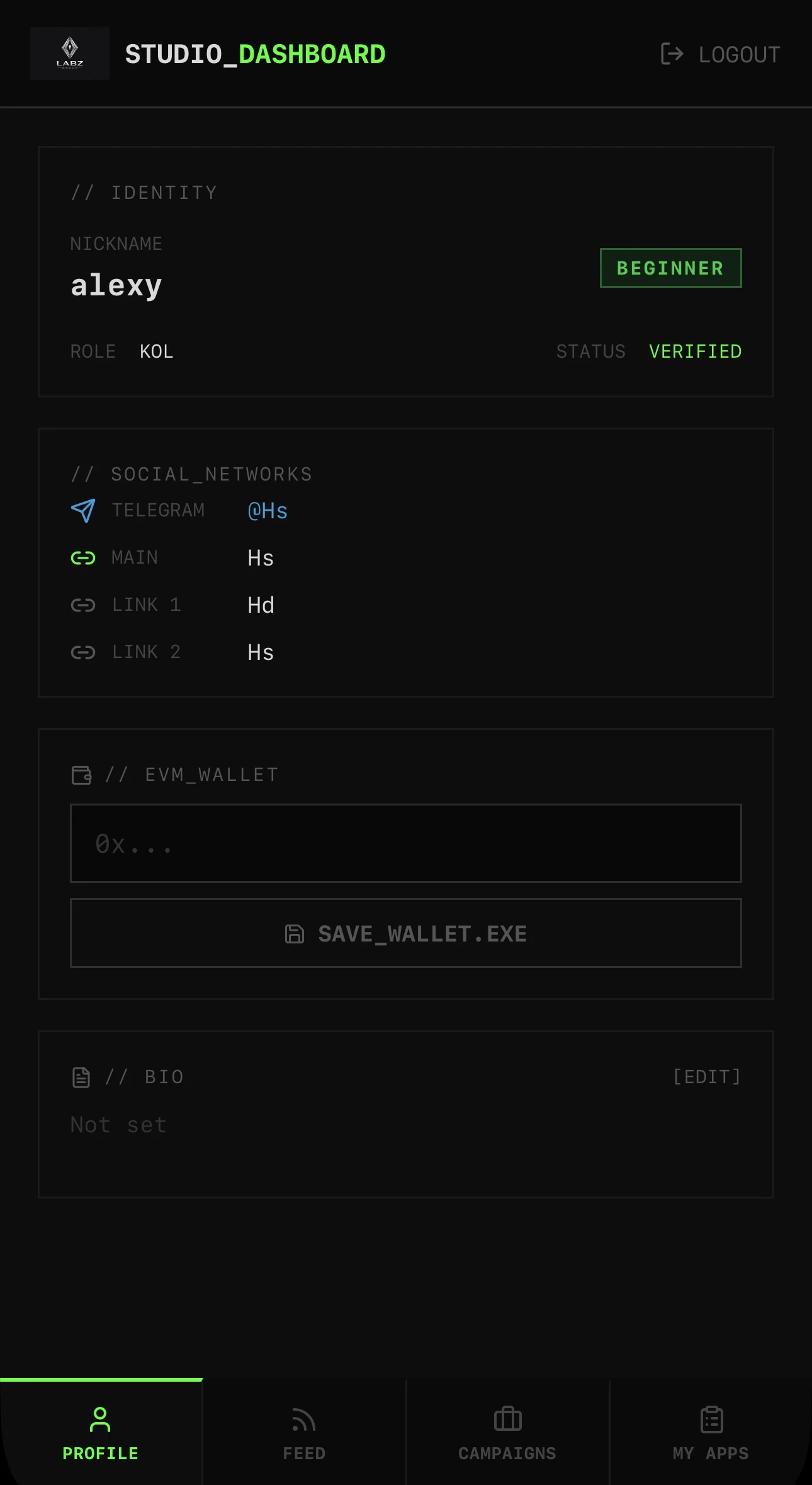
In this section, you can track your status, linked social accounts, connected EVM wallet, bio, and your platform rank.
- Feed.
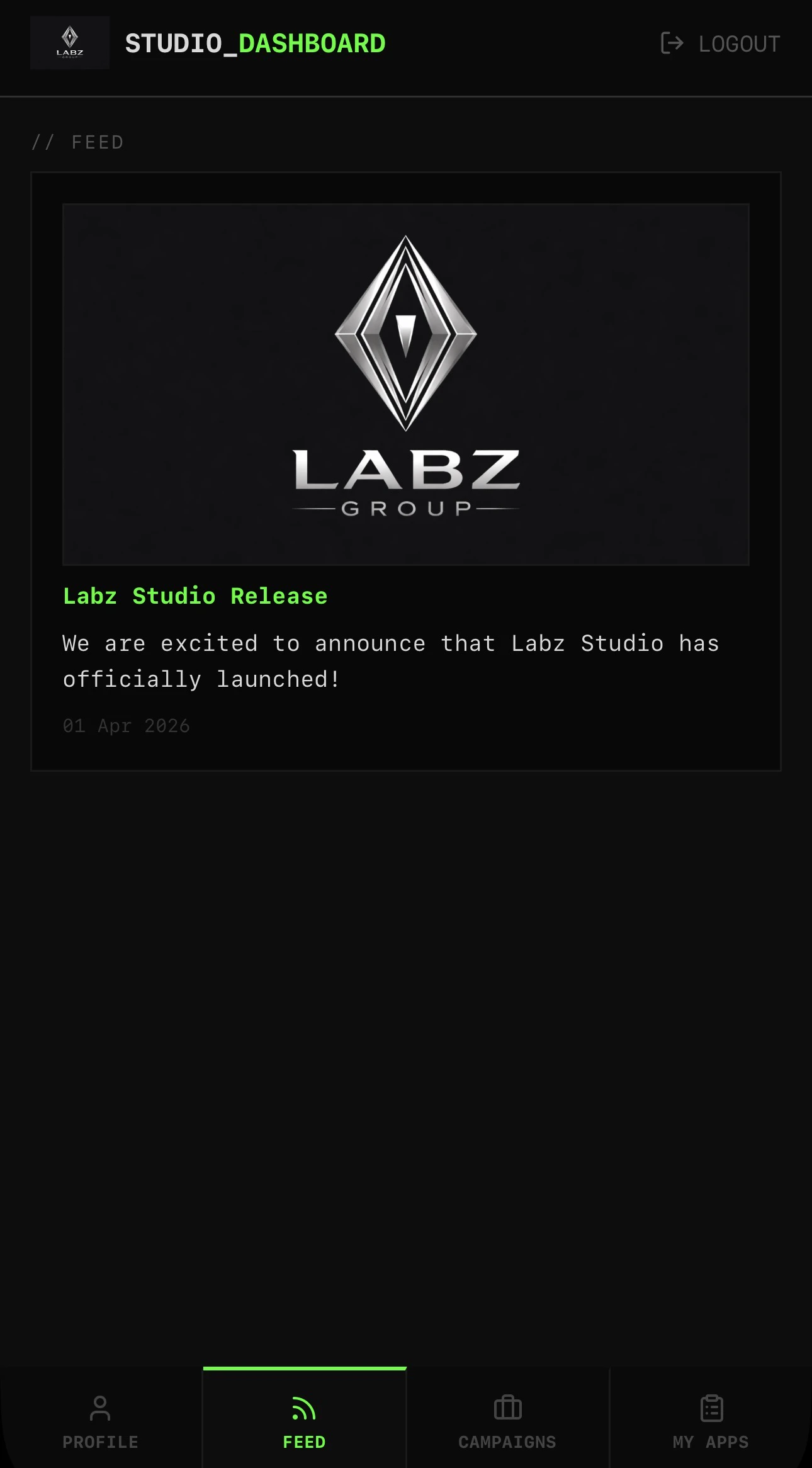
This section provides live project updates, announcements, and other relevant information.
- Campaigns.
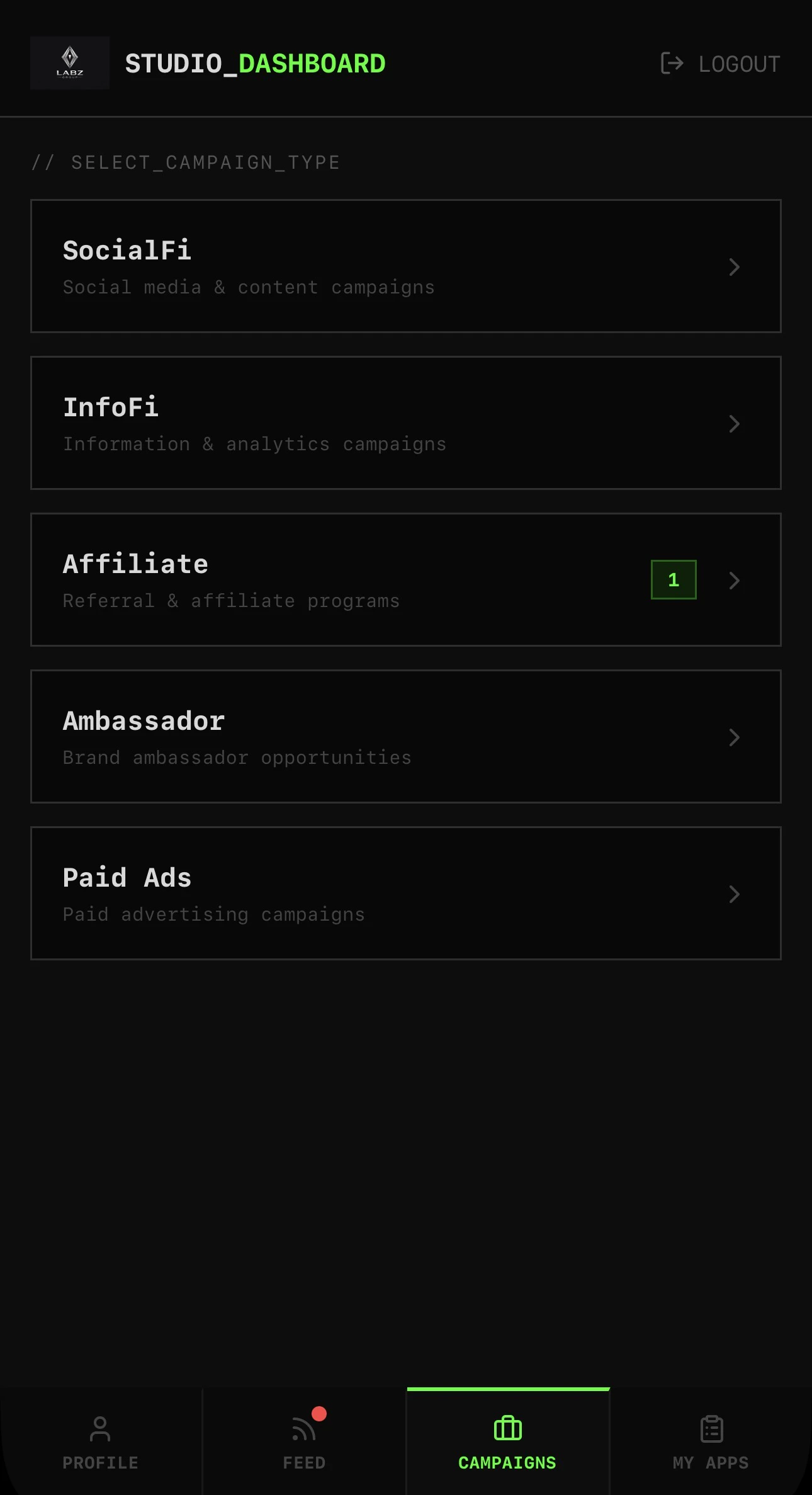
In this section, you can track active campaigns, as well as those that have been completed or are upcoming.
- My Apps.
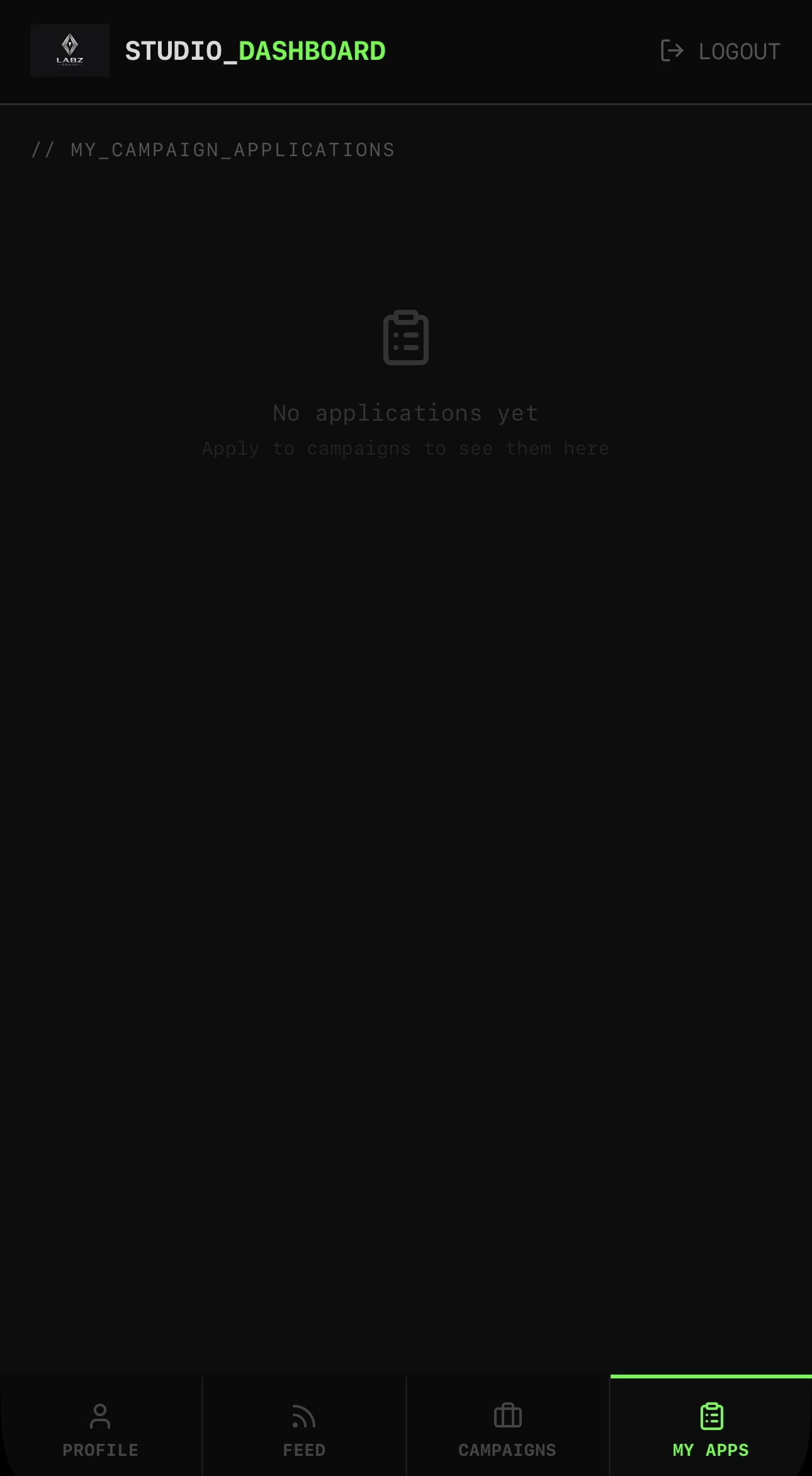
In this section, you can track your applications to active campaigns.